Testing BLE Security in Medical Devices: A Deep Dive
Bluetooth Low Energy (BLE) is the most common wireless protocol we encounter in medical device penetration tests. It's in insulin pumps, continuous glucose monitors, patient monitors, hearing aids, pulse oximeters, and dozens of other device types. It's low power, well-supported, and easy to implement.
It's also consistently one of the weakest attack surfaces we find.
This post covers how we test BLE security in medical devices, the vulnerabilities we see most often, and the pitfalls manufacturers hit when implementing BLE.
Why BLE Is a High-Risk Attack Surface
BLE was designed for simplicity and low power consumption, not security. The protocol has evolved — BLE 4.2 and 5.x added significant security improvements — but the implementation is where things go wrong. Manufacturers often:
- Use outdated pairing modes that provide no encryption
- Implement custom GATT services with no authentication
- Transmit sensitive data (patient vitals, dosage parameters) in plaintext over the air
- Leave debug characteristics exposed in production firmware
The FDA specifically calls out wireless interfaces in their premarket cybersecurity guidance. If your device uses BLE, it will be scrutinized.
How We Test BLE
Our BLE testing methodology covers the full stack — from RF to application layer.
1. Passive Sniffing
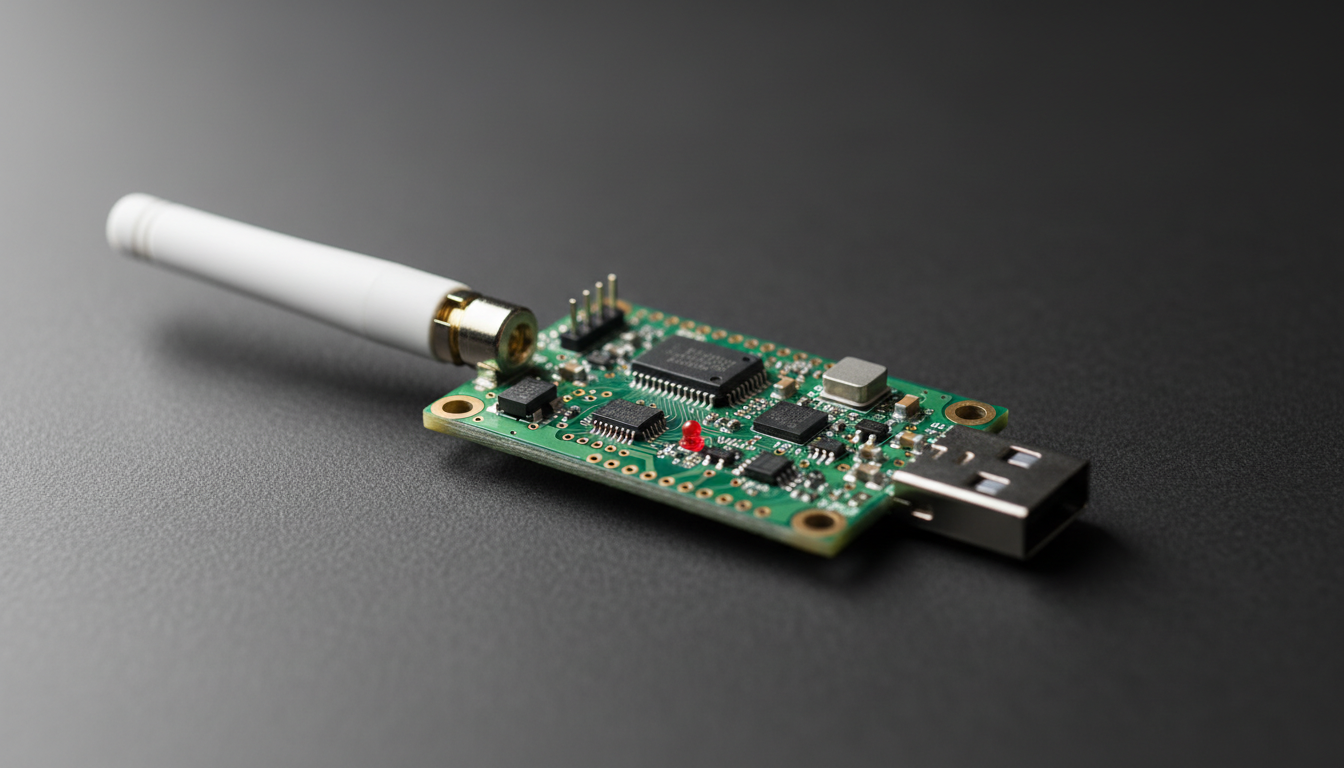
We start by passively capturing BLE traffic between the device and its companion app or gateway. We use dedicated BLE sniffers to capture advertising packets, connection setup, and data exchange.
What we're looking for:
- Is pairing encrypted? What pairing mode is used?
- Is data transmitted in plaintext?
- Are there patterns in the traffic that reveal device state or patient information?
- What GATT services and characteristics are advertised?
Even if a device uses encrypted pairing, passive sniffing during the initial pairing process can capture the Temporary Key (TK) exchange in BLE 4.0/4.1 Legacy Pairing, which uses a trivially brute-forceable 6-digit PIN.
2. Active Enumeration
Once we understand the device's BLE profile, we connect directly and enumerate:
- All GATT services, characteristics, and descriptors
- Read/write permissions on each characteristic
- Which characteristics require authentication vs. which are open
- Hidden or undocumented services (manufacturers sometimes leave debug services active)
We frequently find characteristics that allow us to read patient data, modify device configuration, or trigger diagnostic modes — all without authentication.
3. Man-in-the-Middle (MITM)
For devices using BLE 4.0/4.1 with Legacy Pairing (Just Works or 6-digit PIN), we perform active MITM attacks. The process:
- Clone the device's advertising data (device name, service UUIDs)
- Jam the legitimate device's advertisements
- Present our tool as the device to the companion app
- Relay traffic between the app and real device while capturing everything in plaintext
This attack works because Legacy Pairing with Just Works mode provides zero MITM protection. The companion app has no way to verify it's talking to the real device.
4. Firmware-Level BLE Analysis
We also examine how BLE is implemented in the firmware itself:
- Is the BLE stack a known SDK (Nordic, TI, Cypress)? What version? Are there known CVEs?
- How are pairing keys stored? (We've found devices storing Long Term Keys in plaintext on flash)
- Are there hardcoded PINs or default pairing credentials?
- Does the device properly handle bonding and key rotation?
The Most Common BLE Vulnerabilities We Find
Just Works Pairing in Production
This is the single most common BLE finding across all medical devices we test. Just Works is a BLE pairing mode that provides encryption but zero authentication — meaning any device can pair without user confirmation or PIN entry. It's intended for devices with no display or input capability, but we see it used on devices that absolutely could support a more secure mode.
Why it matters: An attacker within BLE range (~100m with a directional antenna) can pair with the device, read data, and in many cases write to it.
The fix: Use Passkey Entry or Numeric Comparison pairing modes. If the device has a display, use it. If it has a companion app, use Out-of-Band (OOB) pairing with a pre-shared key delivered via QR code or NFC.
No Application-Layer Authentication
Even when BLE transport-layer security is properly implemented, many devices skip application-layer authentication entirely. Once paired, the companion app has unrestricted access to every GATT characteristic.
This means a malicious app — or an attacker who has compromised the user's phone — can read and write to the device with the same privileges as the legitimate app.
The fix: Implement a challenge-response authentication protocol at the application layer, independent of BLE pairing. The device should verify that the connecting application is authorized, not just that the BLE link is encrypted.
Plaintext Data Transmission
We regularly capture patient vitals, device configuration parameters, and even firmware update data transmitted in plaintext over BLE. Sometimes the BLE link itself is encrypted, but the application data within the encrypted channel is structured in a way that makes it trivially parseable — fixed byte positions for heart rate, SpO2, dosage rates, etc.
Why it matters: Even encrypted BLE can be compromised via MITM on Legacy Pairing. If the application data isn't also encrypted or integrity-protected, the attacker gets everything.
The fix: Encrypt sensitive data at the application layer before transmitting over BLE. Don't rely solely on BLE's transport encryption.
Replayable Commands
Some devices accept commands over BLE that can be captured and replayed. If the protocol doesn't include sequence numbers, timestamps, or nonces, an attacker can record a legitimate command (e.g., "start infusion at 50mL/hr") and replay it later.
The fix: Include a monotonically increasing counter or timestamp in every command. The device should reject commands with a counter value it has already seen.
Debug Services Left Active
BLE GATT profiles sometimes include services and characteristics that were used during development — firmware version readback, memory dump characteristics, debug log streams, or manufacturing test modes. These are often left active in production firmware because removing them would require changes to the GATT database, which some manufacturers are reluctant to do close to a submission deadline.
The fix: Audit your GATT profile before submission. Remove or disable any service or characteristic that isn't required for clinical use. If a debug service must remain for field servicing, gate it behind authentication.
Common Pitfalls Manufacturers Hit
"Our BLE stack handles security"
The BLE stack (Nordic SoftDevice, TI BLE-Stack, etc.) handles transport-layer pairing and encryption. It does not handle application-layer authentication, data encryption, or command integrity. Manufacturers who assume the SDK "takes care of security" are the ones we find the most vulnerabilities in.
"BLE range is only 10 meters"
With a directional antenna, BLE range extends well beyond 100 meters. In a hospital setting, an attacker in a parking lot or adjacent building can potentially reach devices inside the facility. Range is not a security control.
"We use BLE 5.0 so we're secure"
BLE 5.0 added range and throughput improvements, not security improvements. The security features that matter (Secure Connections, Numeric Comparison pairing) were introduced in BLE 4.2. And even with BLE 5.x, security depends entirely on implementation — if the manufacturer configures Just Works pairing, BLE 5.0 provides the same weak pairing as 4.0.
"We'll fix the BLE security in a firmware update"
Changing the BLE pairing mode, GATT profile, or authentication mechanism in a deployed device is significantly harder than getting it right before submission. Some changes require re-pairing every device in the field, updating companion apps, and potentially re-submitting to the FDA. Get it right the first time.
What the FDA Expects
The FDA's premarket cybersecurity guidance specifically addresses wireless interfaces. For BLE-enabled devices, reviewers expect to see:
- Documentation of the BLE pairing mode used and why it was selected
- Threat modeling that includes BLE-specific attack vectors (MITM, eavesdropping, replay)
- Penetration testing results that cover the BLE attack surface
- Mitigations for identified BLE vulnerabilities with residual risk assessment
If your penetration test report doesn't cover BLE in depth, expect an ANIN letter asking for it.
Ready to secure your device?
Our penetration tests are designed specifically for FDA premarket and post-market requirements.